Consent that participants understand
- Remote and in-clinic signing
- Comprehension checks
- Version control for re-consent

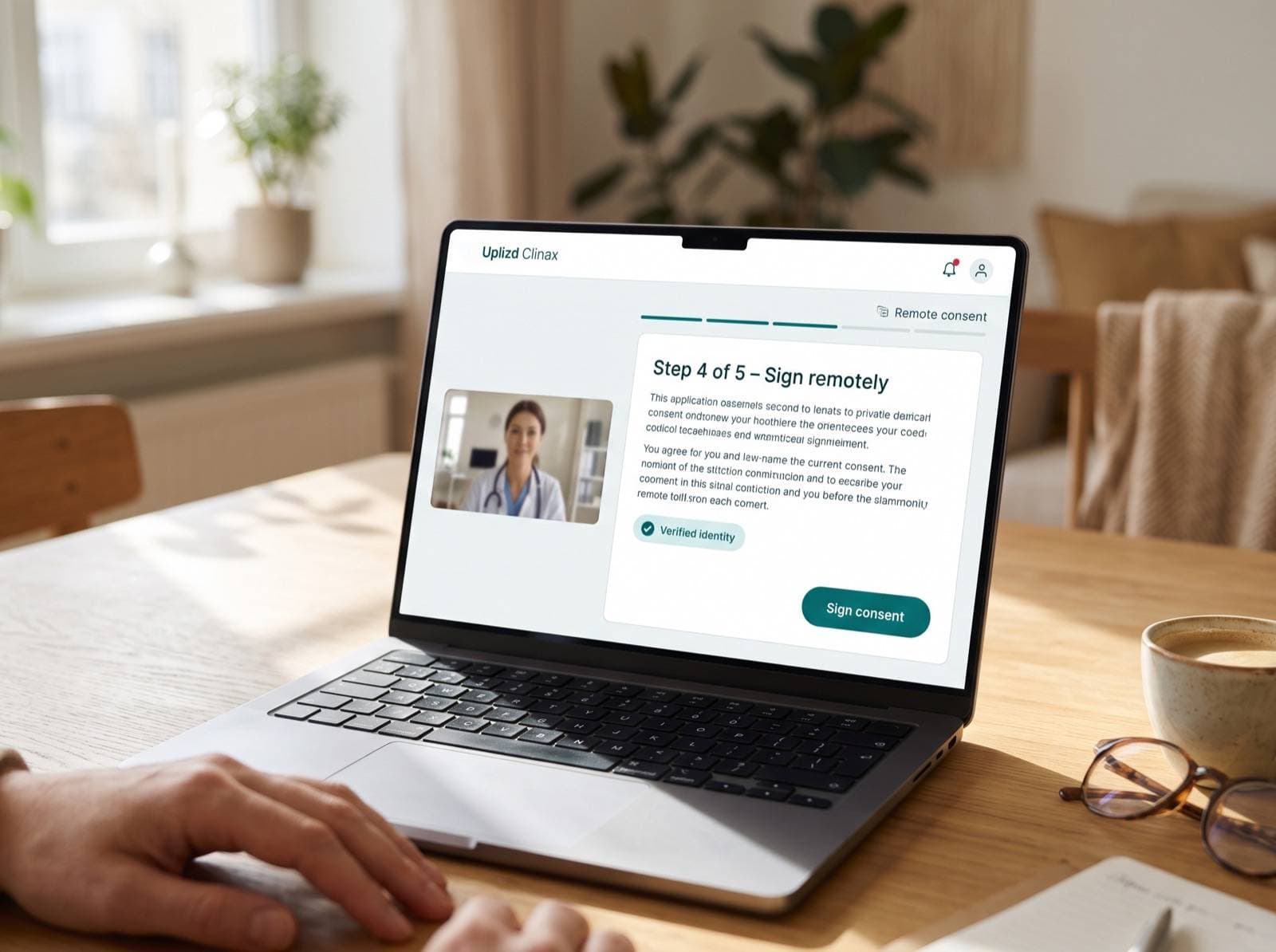
Built for decentralised and hybrid studies
- Remote review at the participant's own pace
- Video consultation hand-off
- Site dashboard of consent status
- Paper consent recorded in the same history when needed
Remove the bottleneck at the start of every study
Sign in the right order, wherever the participant is
Participants can sign at home or in clinic, on their own device or one at the site. Every signature is collected in the order the protocol requires and bound to the person who gave it.
- Remote and in-clinic signing
- Participant, legal representative and investigator signatures in sequence
- Impartial witness signature when the protocol needs one
- A signed copy for the participant to keep
Help participants understand before they sign
Short videos and illustrations sit beside the approved text, and participants can take their time and come back later. Comprehension questions confirm the key points and show the investigator what to talk through.
- Videos and illustrations alongside the approved text
- Review at the participant's own pace
- Comprehension questions for key sections
- Answers flagged for discussion with the investigator
Know who is signing
Remote consent only works if you can be sure who is on the other end. Choose the identity checks your ethics committee asks for, and keep a record of each check with the signature.
- Configurable identity checks for remote consent
- Verification level set per study or country
- Each check recorded in the audit trail
- Signatures bound to the person who signed
Re-consent without the paper chase
When the information changes, every version is kept with its approval date. Release the new version site by site as approvals arrive, and the participants who need to see it are prompted to review and sign.
- Every consent version stored with its approval date
- Site-by-site release as ethics approvals arrive
- Affected participants prompted to re-consent
- One consent history per participant, paper included
Keep consent and data in step
Consent status sits in the same subject record as the study data. Sites see at a glance who has consented to which version, and no data is collected before consent is in place.
- Consent status visible in EDC and eCOA
- Data entry held until consent is recorded
- Site dashboard of pending, signed and re-consent tasks
- One audit trail across consent and study data
From approved form to signed consent
- 1Study team
Prepare
Build the consent from the approved text, add explanations and questions, then release it.
- 2Sites
Invite
Send the consent to a participant at home, or open it with them in clinic.
- 3Participants
Review and sign
Read, watch, answer the comprehension questions, ask questions and sign when ready.
- 4Investigators
Countersign
Discuss any flagged answers, countersign and let the study begin for that participant.
eConsent at a glance
- Signing
- Remote or in clinic, on the participant's own device or a site device
- Signers
- Participants, legal representatives, witnesses and investigators
- Identity
- Configurable identity checks, recorded with each signature
- Understanding
- Videos, illustrations and comprehension questions
- Versions
- Each version stored with its approval date; prompted re-consent
- Paper fallback
- Paper consent uploaded to the same consent history
- Access
- Role-based permissions; single sign-on for study staff
- Hosting
- Managed cloud, your private cloud, or on-premises
Built for regulated consent
FDA · OHRP (2016)
US — use of electronic informed consent
Joint guidance on presenting consent electronically, verifying the identity of the person signing and giving participants a copy of what they signed.
ICH E6(R3)
Good Clinical Practice — informed consent
Allows consent to be given and documented electronically, and expects clear information, time for questions and timely updates when information changes.
21 CFR Part 11
US FDA — electronic records and signatures
Every create, change and delete is recorded with user, time and reason, and electronic signatures are bound to the person who signed.
GDPR · HIPAA
Personal and health data protection
Role-based access to identifiable data, encryption in transit and at rest, and hosting options that respect data-residency rules.
Frequently asked questions
Is remote eConsent accepted by ethics committees?
Acceptance varies by country and committee. We support the configurations most committees ask for and can share documentation for your submission.
Can participants consent on paper as a fallback?
Yes. Sites can record a paper consent and upload it, so every participant has one consent history.
How are new consent versions handled?
Each version is stored with its approval date. When a new version is released at a site, participants who signed an earlier version are prompted to review and re-consent.
How do you check a participant's identity remotely?
You choose the identity checks for each study, in line with what your ethics committee requires. Each check is recorded with the signature in the audit trail.
Can a legal representative sign on a participant's behalf?
Yes. Signatures from participants, legal representatives and investigators are collected in the order your protocol sets out.
What about participants who are not comfortable with technology?
They can go through consent in clinic with a member of the site team beside them, or on paper. The record ends up in the same consent history either way.
Works together with
EDC
Electronic Data Capture
Build eCRFs in hours, capture site, lab and device data in one validated system, and reach database lock with fewer queries.
Learn moreeCOA / ePRO
Electronic Clinical Outcome Assessments
Replace paper diaries with questionnaires participants complete on any device, with reminders and compliance tracking built in.
Learn moreCDMS
Clinical Data Management
Queries, medical coding, source data verification and lock workflows that keep data managers in control of every study.
Learn moreAI Data Extraction
Source-to-eCRF with human review
AI reads source documents and EHR exports and proposes structured eCRF values. A reviewer approves each one before it is committed.
Learn more